
You're a freelancer staring at a blank document, a client proposal due tomorrow, and your inbox full of half-written emails. Sound familiar? Business writing is time-consuming, but AI tools like Grammarly, Claude, and ChatGPT promise to make it faster and better. In this head-to-head comparison, we'll break down their strengths, weaknesses, and pricing so you can pick the best AI writing assistant for your freelance or small business needs in 2026.
Quick Comparison
| Tool | Best for | Starting price | Free plan | Rating |
|---|---|---|---|---|
| Grammarly | Real-time grammar and tone correction | $12/mo | Yes (basic) | 9.2/10 |
| Claude (Anthropic) | Long-form, nuanced business writing | $20/mo | Yes (limited) | 9.0/10 |
| ChatGPT (OpenAI) | Brainstorming and drafting | $20/mo (Plus) | Yes (GPT-3.5) | 8.8/10 |
| Jasper | Marketing copy and brand voice | $49/mo | No (7-day trial) | 8.5/10 |
| Copy.ai | Quick social media and ad copy | $36/mo | Yes (limited) | 8.2/10 |
| Writesonic | SEO-optimized blog content | $19/mo | Yes (limited) | 8.0/10 |
| ProWritingAid | Detailed writing reports | $10/mo | Yes (limited) | 8.6/10 |
| Hemingway Editor | Readability improvement | $10 one-time | Yes (web app) | 7.8/10 |
Best Picks by Use Case
Grammarly
Combines real-time grammar, tone, and plagiarism checking with a generous free plan.
Claude
Handles 100k tokens with superior coherence and reasoning for reports and proposals.
ChatGPT
Fast, creative ideation and drafting with GPT-4o's multimodal capabilities.
Grammarly + Claude
Use Claude to draft and Grammarly to polish for tone and grammar.
ProWritingAid
Affordable pricing with deep writing insights and integration with popular editors.
Jasper
Trained on brand voice and conversion-focused templates.
Introduction: Why AI Writing Tools Matter for Freelancers
As a freelancer or solopreneur, every piece of writing you produce—emails, proposals, blog posts, social media—is a reflection of your brand. But time is scarce, and writing perfectly isn't always feasible. That's where AI writing tools step in. They can help you draft, edit, and polish content in minutes, freeing you to focus on client work.
But with so many options, which one is right for you? We tested Grammarly, Claude, and ChatGPT extensively, alongside other popular tools. This guide will help you decide based on your specific writing tasks, budget, and preferred workflow.
Tool Overview: Grammarly, Claude, and ChatGPT
Grammarly
Grammarly is a veteran in the writing space, known for its real-time grammar, spelling, and tone detection. It integrates with browsers, Microsoft Office, and Google Docs. The free version catches basic errors, while Premium ($12/month) adds clarity, engagement, and plagiarism checks. It's ideal for polishing existing text.
Claude (by Anthropic)
Claude stands out with its 100k token context window—you can upload entire documents and get nuanced feedback. It excels at long-form reasoning, making it perfect for proposals, reports, and editing. The Pro plan is $20/month with higher usage limits. Claude's conversational style feels natural and safe for business.
ChatGPT (OpenAI)
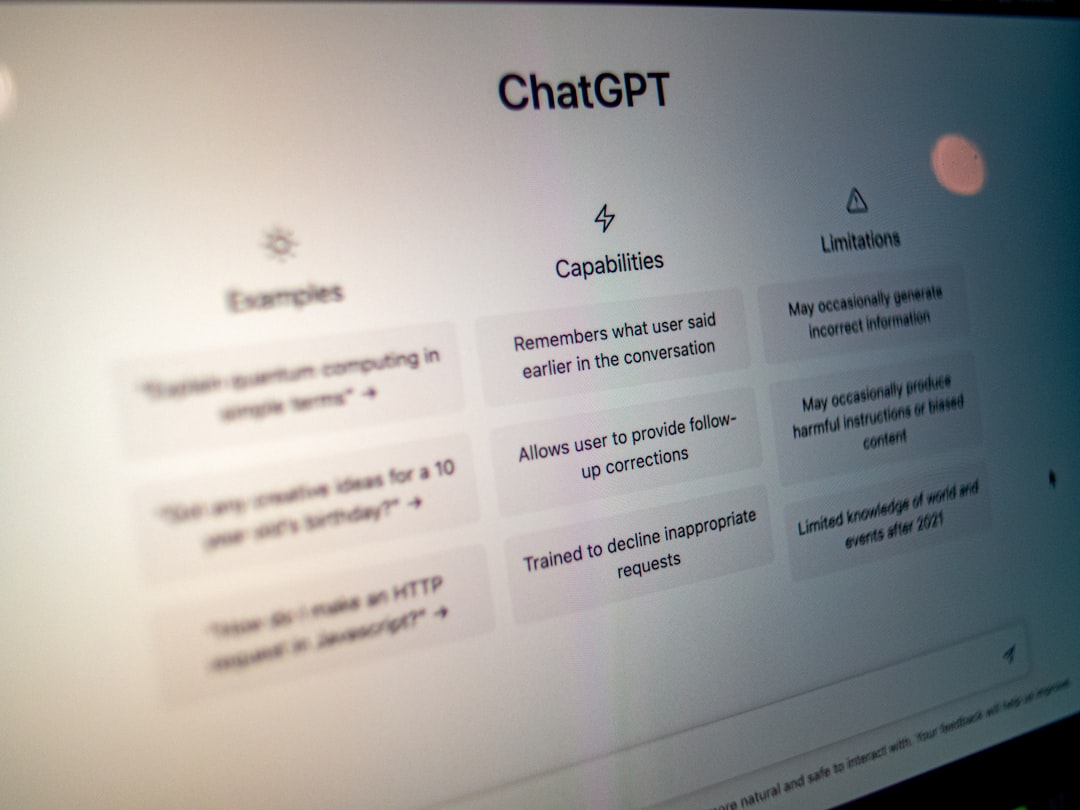
ChatGPT, especially GPT-4o, is a versatile assistant for brainstorming, drafting, and rewriting. It can generate content from scratch, but requires careful prompting. The free version uses GPT-3.5; Plus ($20/month) gives access to GPT-4o with higher limits. It's great for creative tasks but may need editing for tone.
Pricing Comparison: Which Tool Fits Your Budget?
Freelancers and small businesses are price-sensitive. Here's how the top tools stack up.
- Grammarly: Free basic plan; Premium $12/month; Business $15/user/month.
- Claude: Free tier (limited messages); Pro $20/month; Team $30/user/month.
- ChatGPT: Free with GPT-3.5; Plus $20/month; Team $25/user/month; Enterprise custom.
- Jasper: Creator $49/month (one seat); Pro $69/month; Business custom.
- Copy.ai: Free limited; Pro $36/month; Team $186/month.
- Writesonic: Free limited; Chatsonic $19/month; Business $49/month.
- ProWritingAid: Free basic; Premium $10/month; Premium Pro $12/month.
- Hemingway Editor: Free web; desktop app $10 one-time.
For most freelancers, Grammarly's free plan combined with either Claude or ChatGPT's free tiers offers solid capability. If you need advanced features, the $20/month plans are worth it.
Feature Comparison: What Each Tool Does Best
Grammarly offers real-time grammar, tone detection, plagiarism checking (Premium), and integration across apps. Its tone detector is invaluable for ensuring emails sound professional and not overly casual.
Claude allows you to upload PDFs, Word docs, and text files for analysis. It can summarize, rewrite, and provide nuanced feedback. The 100k token context means you can discuss an entire book. Claude also resists generating unsafe or biased content, making it safe for business.
ChatGPT can generate text from scratch, answer questions, and assist with coding, marketing, and more. GPT-4o understands images and files. However, it may need multiple prompts to get the desired tone, and the free version is limited.
- Grammar & Tone: Grammarly wins.
- Long-form Analysis: Claude wins.
- Creative Generation: ChatGPT wins.
- Integration: Grammarly has the broadest.
- Customization: Claude and ChatGPT allow system prompts for brand voice.
Pros and Cons Breakdown
Grammarly
Pros: Excellent free plan; deep integrations; tone detection; plagiarism checker.
Cons: Can be overzealous with suggestions; no content generation; Premium pricey for some.
Claude
Pros: Large context window; strong reasoning; safe and polite; good for editing long docs.
Cons: Limited third-party integrations; slower than ChatGPT; no real-time grammar.
ChatGPT
Pros: Fast and creative; multimodal (GPT-4o); broad use cases; plugins available.
Cons: Requires prompt engineering; tone can be off; free version limited.
Other tools like Jasper offer brand voice training, while ProWritingAid gives detailed reports on passive voice, overused words, and sentence length.
Best Use Cases for Freelancers and Small Business Owners
1. Client Emails and Proposals: Use Claude to draft a professional proposal from a brief, then Grammarly to polish tone and grammar. For billing-related emails, consider using BillingFixPro to generate invoice templates.
2. Social Media and Blog Content: ChatGPT is great for brainstorming headlines and outlines. Writesonic can generate SEO-optimized blog posts. Use Grammarly for final proofing.
3. Editing and Proofreading: Grammarly and ProWritingAid are your go-to for thorough editing. Claude can also review structure and argument flow.
4. Brainstorming and Idea Generation: ChatGPT's free version is enough for brainstorming. Claude can help expand on ideas with depth.
5. Long Reports and White Papers: Claude's 100k token window is unbeatable for analyzing and rewriting lengthy documents.
For contract drafting, check out ContractFixPro for AI-powered templates.
Final Verdict: Which Tool Should You Choose?
After thorough testing, our recommendation for freelancers and small business owners in 2026 is:
- If you only pick one: Grammarly Premium for its balance of correction and tone tuning.
- If you do a lot of writing: Grammarly + Claude Pro. Use Grammarly for real-time fixes, Claude for deep rewrites.
- If you need creative content: ChatGPT Plus combined with Grammarly.
- On a tight budget: Stick to Grammarly free + Claude free + ChatGPT free. You'll cover the basics well.
Remember, the best tool is one you'll actually use consistently. Try each free tier for a week and see which fits your workflow.