
As a freelancer, you wear many hats: writer, marketer, accountant, and project manager. Keeping up with client demands while managing your own business can feel overwhelming. That's where AI tools like ChatGPT come in. In this guide, we'll show you exactly how to use ChatGPT for your freelance business—from drafting emails to generating invoices. We'll also compare it with other popular AI writing tools, so you can decide which one fits your workflow and budget. By the end, you'll have a practical action plan to save hours each week and deliver higher-quality work.
What Is ChatGPT and Why Freelancers Need It
ChatGPT is an advanced conversational AI developed by OpenAI. It can generate human-like text based on prompts you give it. For freelancers, this means you have a 24/7 assistant that can draft emails, write content, brainstorm ideas, and even help with coding or data analysis.
Why should freelancers care? Time is money. Spending hours crafting a single client proposal or invoicing email eats into billable hours. ChatGPT can produce a polished first draft in seconds. You then review and personalize, cutting your workload by half or more.
If you handle contract management, consider combining ChatGPT with free templates from ContractFixPro.com to speed up client onboarding. The synergy between AI writing and pre-built legal documents saves you both time and legal worry.
How to Use ChatGPT for Freelance Tasks
Here are the most impactful ways freelancers are using ChatGPT today:
- Client Communication: Draft professional emails, follow-ups, and meeting agendas. Just describe the context and tone.
- Content Creation: Write blog posts, social media captions, and newsletter copy. Provide a topic and key points; ChatGPT creates the structure.
- Proposals & Quotes: Generate persuasive project proposals quickly. Include your rates and deliverables for a tailored output.
- Research & Summaries: Ask ChatGPT to summarize articles, extract key insights, or compare competing products.
- Billing & Invoicing: While ChatGPT can't send invoices, it can draft professional payment reminders. Use BillingFixPro.com for automated invoicing templates.
Each use case requires a clear prompt. For example, "Write a polite follow-up email to a client who hasn't paid an invoice due yesterday. Include a link to pay online." Always customize the output with your personality.
ChatGPT Pricing and Plans
ChatGPT offers several tiers to suit different freelancer needs:
- Free Plan: Access to GPT-3.5 with limited responses and slower speed. Good for casual use.
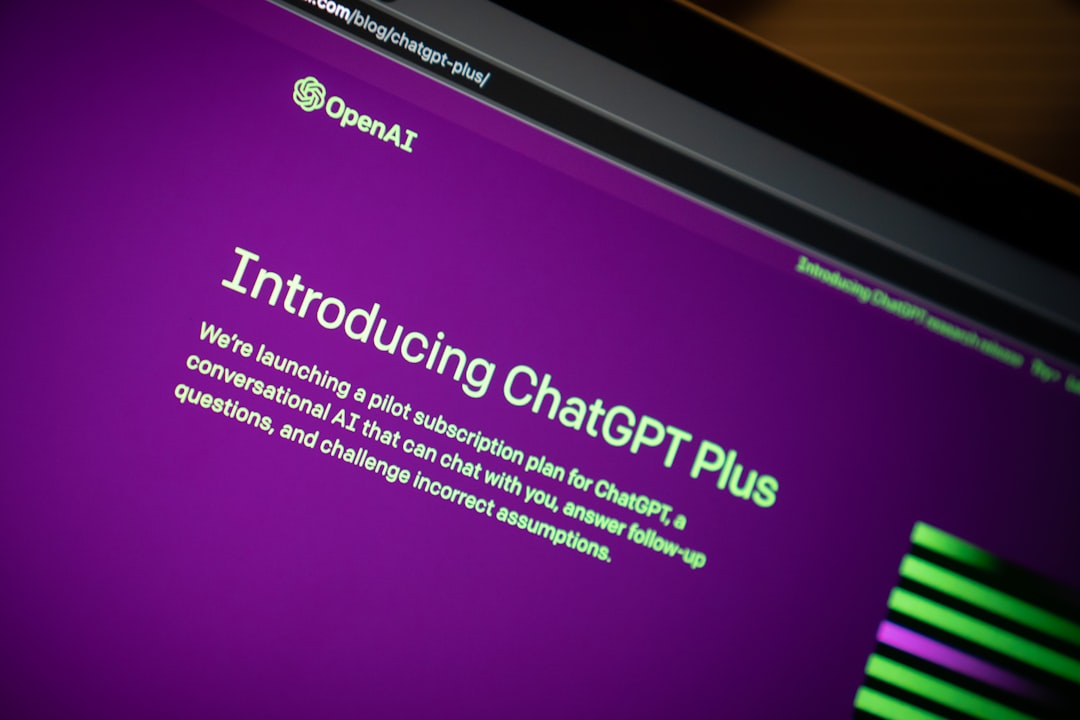
- ChatGPT Plus ($20/month): Priority access, faster response times, and access to GPT-4. Recommended for professionals.
- ChatGPT Pro ($200/month): Unlimited access to GPT-4, advanced data analysis, and priority support. For power users.
Most freelancers find the Plus tier sufficient. At $20/mo, it pays for itself if you save just one hour of work per month. Compare with Jasper ($49/mo) or Copy.ai ($49/mo), and ChatGPT is clearly the most affordable full-featured option.
If budget is tight, start with the free plan. But for serious business use, upgrade to Plus to avoid downtime and get better quality output.
Pros and Cons of ChatGPT for Freelancers
Pros:
- Extremely versatile: from writing code to composing poetry, it handles many tasks.
- Affordable: $20/mo for GPT-4 access is unmatched.
- Constantly improving: OpenAI releases updates regularly.
Cons:
- Can produce inaccurate information (hallucinations). Always verify.
- Lacks deep knowledge of your specific niche unless prompted thoroughly.
- No native integrations with invoicing or project management tools.
To mitigate hallucinations, provide clear context and ask for sources. For integration needs, consider pairing with specialized tools. For example, use PayrollFixPro.com to handle payroll while ChatGPT drafts your employee communications.
ChatGPT vs. Other AI Writing Tools
While ChatGPT is a strong all-rounder, other tools excel in specific areas:
Jasper is built for marketing content. It offers brand voice customization and templates for ads, emails, and landing pages. If your freelance business relies heavily on marketing copy, Jasper's output is often more polished out of the box.
Copy.ai focuses on short-form content like social posts and product descriptions. Its user interface is simpler, making it great for quick tasks.
Writesonic balances quality and cost with a free plan that includes 10,000 words per month. It's ideal for bloggers and content mills.
Rytr is the budget champion at $9/mo, but its output quality is slightly lower. Good for simple, repetitive copy.
Claude handles long documents better than ChatGPT, making it perfect for research reports or detailed project plans.
Our comparison table above summarizes the key differences. For most freelancers, ChatGPT remains the best starting point.
Best Practices for Using ChatGPT
To get the most out of ChatGPT, follow these tips:
- Be specific in your prompts. Instead of "Write an email," say "Write a professional email to a client suggesting a new project, highlighting the benefits of working with us."
- Use follow-up prompts to refine. If the first output isn't perfect, ask for changes: "Make it more concise" or "Add a call to action."
- Always edit and fact-check. AI can invent details. Verify names, dates, and facts before sending.
- Maintain your brand voice. Provide a sample of your writing style in the chat history for consistency.
- Protect sensitive data. Don't paste client proprietary info or trade secrets into ChatGPT. Use generic descriptions instead.
By following these best practices, you'll produce high-quality, professional outputs that impress clients while saving time.
Conclusion: Is ChatGPT Right for Your Freelance Business?
If you're a freelancer looking to streamline operations, ChatGPT is a no-brainer. It handles a wide range of tasks at a low cost, and with careful prompting, it can produce client-ready work. While specialized tools like Jasper or Rytr may edge it out for certain niches, ChatGPT's versatility makes it the best starting point.
Combine it with free resources from ContractFixPro.com for contracts and BillingFixPro.com for invoicing to create a powerful productivity stack. Start with the free plan today and upgrade as your business grows.
Have you tried ChatGPT for your freelance business? Share your experience in the comments below!